
Some item types are consumable—they get used up over time (e.g. ammo, medical supplies, CS rounds). For those, you don't just move stock between locations; you record when quantity is actually used so the count goes down and the audit log shows the usage. That keeps totals accurate and supports reporting on consumption.
Which item types are consumable
When you create or edit an item type on the Item Types page (admin only), you can mark it as consumable. See Item types for more. That setting is what makes a Use action appear on inventory rows for that type. If an item type isn't consumable, you'll update quantities with Update count or move stock with Move inventory or check-in/check-out instead.
Recording usage
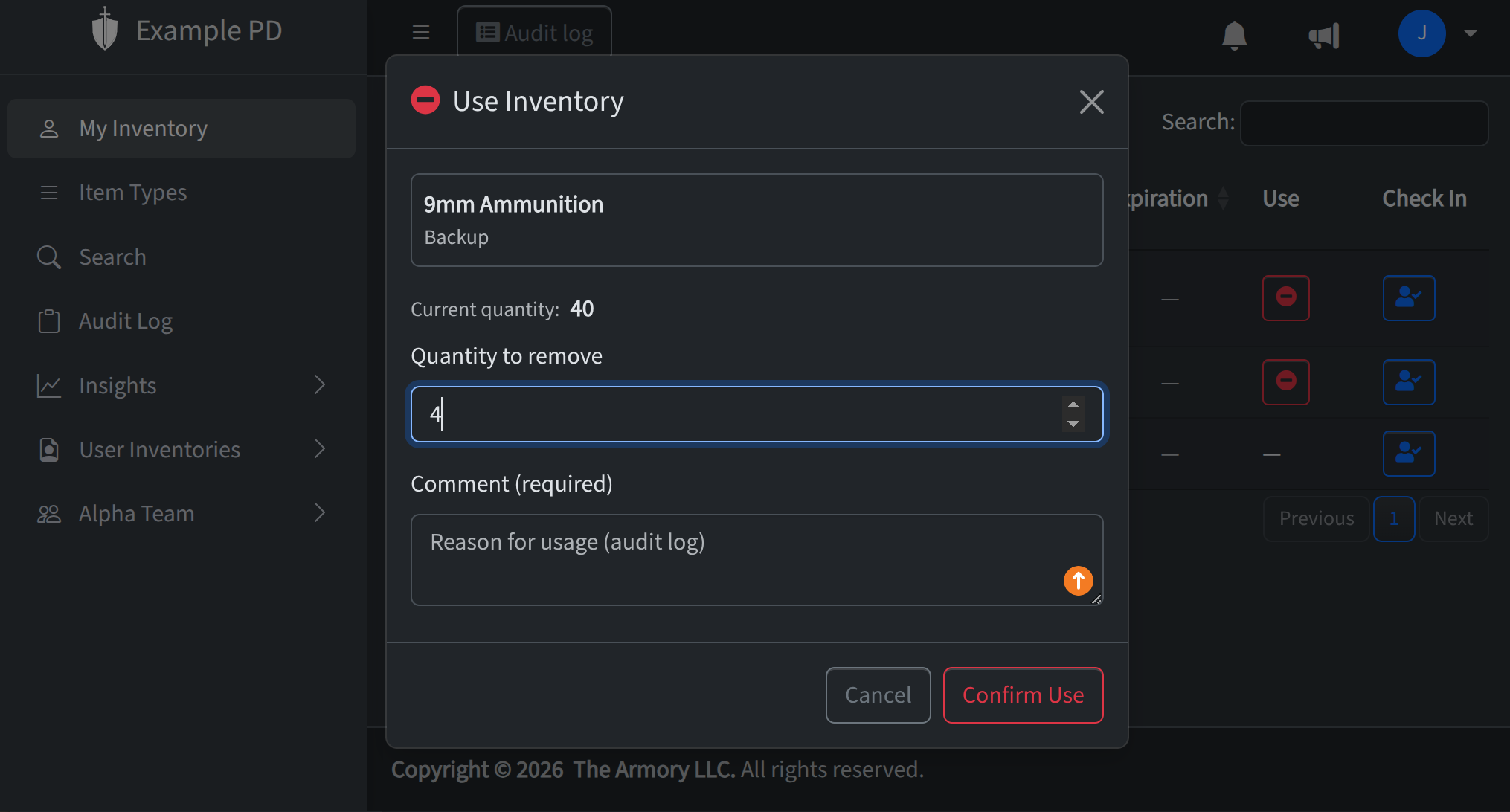
In the inventory view for a location, find the row for the consumable item. Click Use. In the form that appears, enter the quantity you're recording as used (for batch items; for a single serialized unit it's one). Optionally add a comment (e.g. "Range day", "Training") so the audit log has context. Submit and the quantity is reduced from that row; the audit log records a consume action with your comment.
Consumables and reports
Because every use is logged, you can see consumption over time in Insights (e.g. Usage & Activity) and in the Audit log filtered by action or item type. That helps with reordering, budgeting, and accountability for consumable stock.