
The Armory is an inventory management system built specifically for law enforcement agencies. It’s designed to fit how departments operate day to day—so you can track gear, maintain accountability, and stay mission ready without fighting the tool. Below is an overview of what the platform offers and how to get the most from this help center.
Features at a glance
- Locations & containers — Organize inventory by where it lives: sites, rooms, boxes, shelves, and persons. Move containers between locations as needed.
- Item types & categories — Define what you track (e.g. gear, ammo, supplies) with categories and optional low-stock and expiration settings.
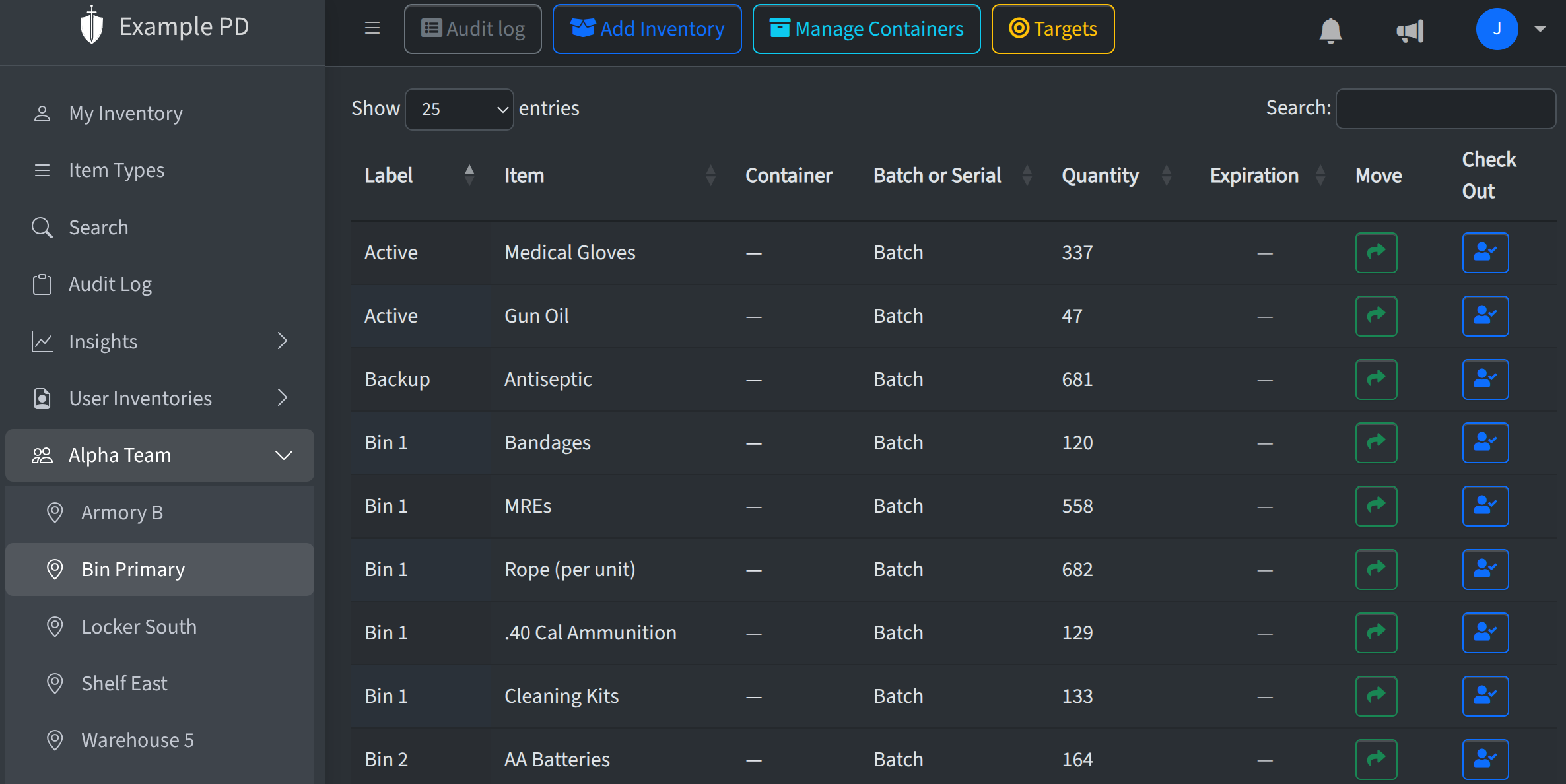
- Inventory management — Add, update, and move quantities at each location. Track serial numbers and expiration dates when needed.
- Insights & reports — Dashboards and reports for inventory health, activity, usage, and (when enabled) financial data. Stay on top of low stock and expirations.
- Teams & roles — Invite members and control what they can do with three roles: Admin, Editor, and Viewer.
- Audit log — A full record of who changed what and when, so you're ready for reviews and audits.
- Inspections — Run location inspections, track progress row by row, and finish with notes. See Inspections.
Three roles: Admin, Editor, Viewer
The Armory uses three roles to control access:
- Admin — Full access: account settings, members, billing, and all inventory and location actions.
- Member — Can check in and check out items, and use consumable items. All member actions are logged in the audit log. Members can be given access to teams; they can then interact with inventory associated with those teams.
- Viewer — Read-only: can view locations, inventory, and reports but cannot add or change anything.
For a short walkthrough of the basics, see the Quick start guide. You can also browse by section in the navigation on the left.