
Inspections help you document periodic walk-throughs of a location’s inventory: you start an inspection, mark each row as you verify it, and finish with optional notes. Progress is saved while an inspection is in progress, and you can pick up where you left off after a refresh.
Who can run inspections
Inspection controls are available to account admins and owners, and to location owners for that location. If you don’t see Start Inspection on an inventory page, you may not be an owner for that location (or your role doesn’t include inspection management).
Starting an inspection
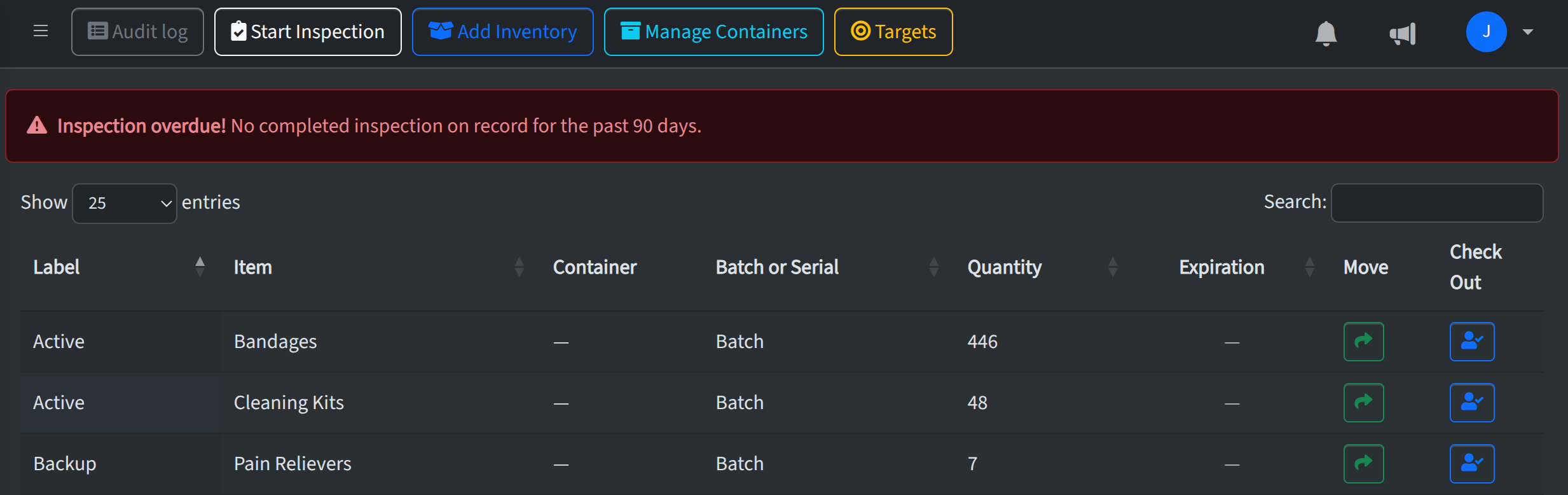
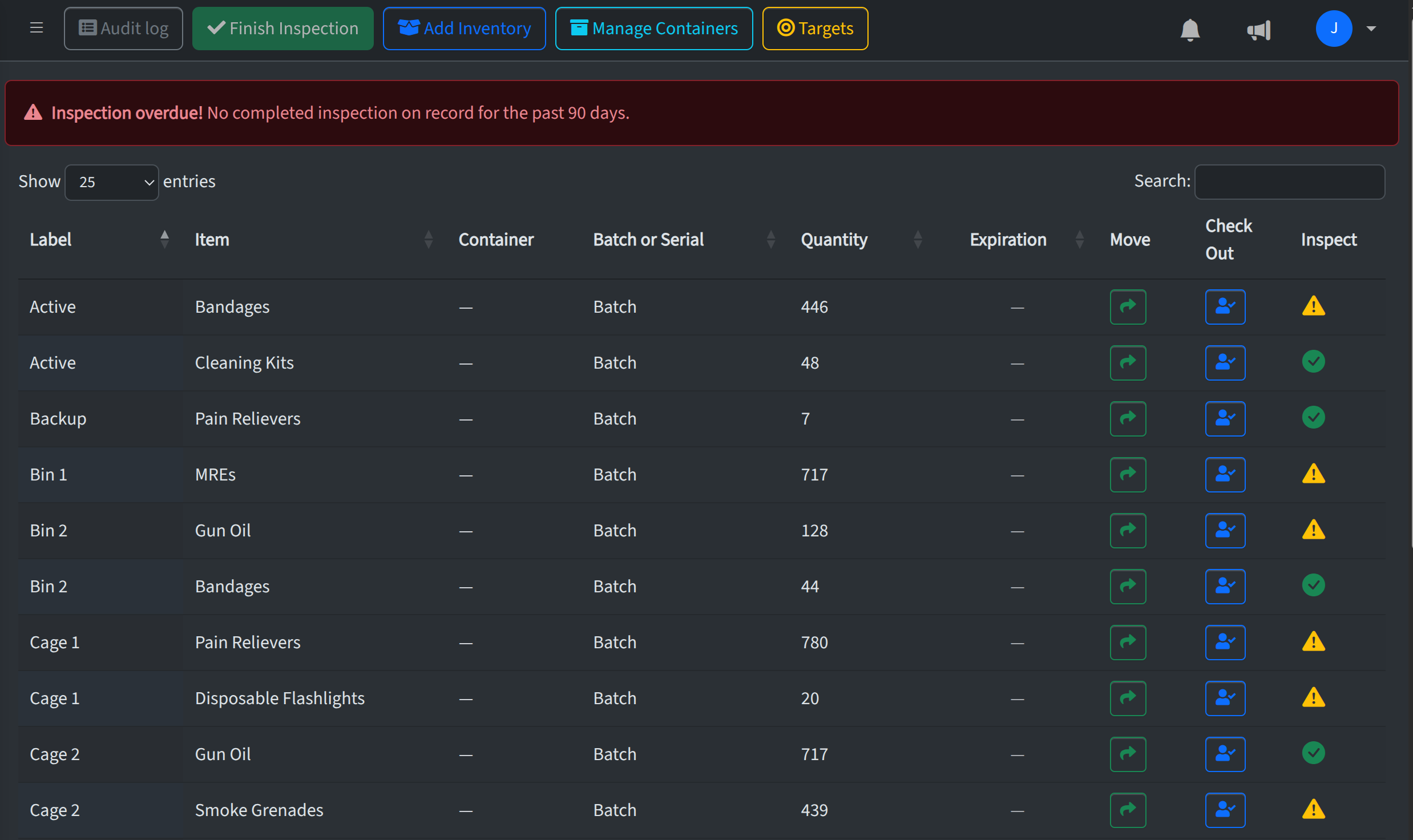
Open a location (or a container under it) in the sidebar and go to that location’s inventory page. Click Start Inspection. An inspection record is created for the location (containers roll up to the parent location). A new Inspect column appears: each row shows an orange warning icon until you mark it inspected, then a green check icon.
Marking items while inspecting
Click the icon in the Inspect column to toggle between “not yet verified” and “verified.” Your choices are saved to the server for the active inspection, so you can reload the page or come back later and still see the same state.
Finishing an inspection
When you’ve verified every row that counts toward that location’s inventory (including items in child containers), Finish Inspection becomes available. Click it to enter optional notes and complete the inspection. You can’t finish until all in-scope rows are marked—this keeps the inspection record complete.
Overdue inspections
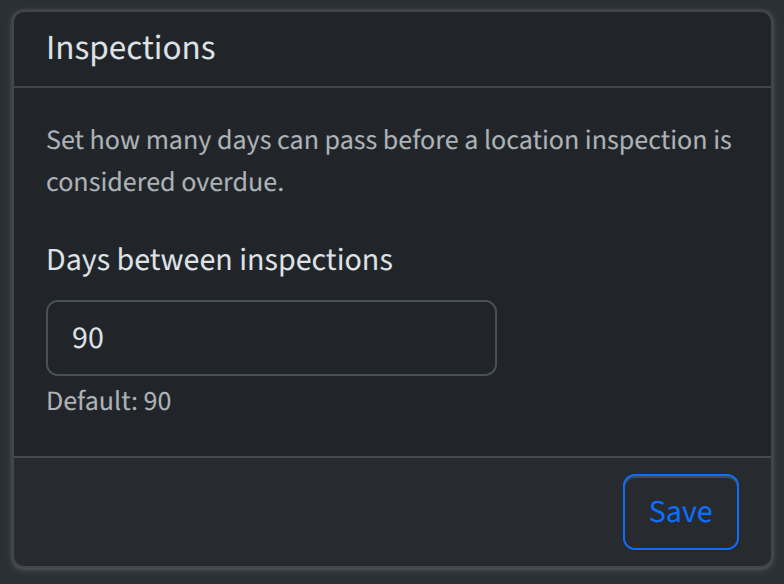
Admins can set how many days between required inspections under Account → Settings (see Account settings). If a location has no completed inspection within that window, eligible users may see an inspection overdue banner on that location’s inventory page. Completing an inspection clears the overdue state for that cycle.
Insights: Inspections and health
Under Insights → Inspections, you can review locations and recent inspections. Open a row’s Details to see inspection metadata and audit log activity for that location during the inspection window. Inventory Health also summarizes locations with overdue inspections.