
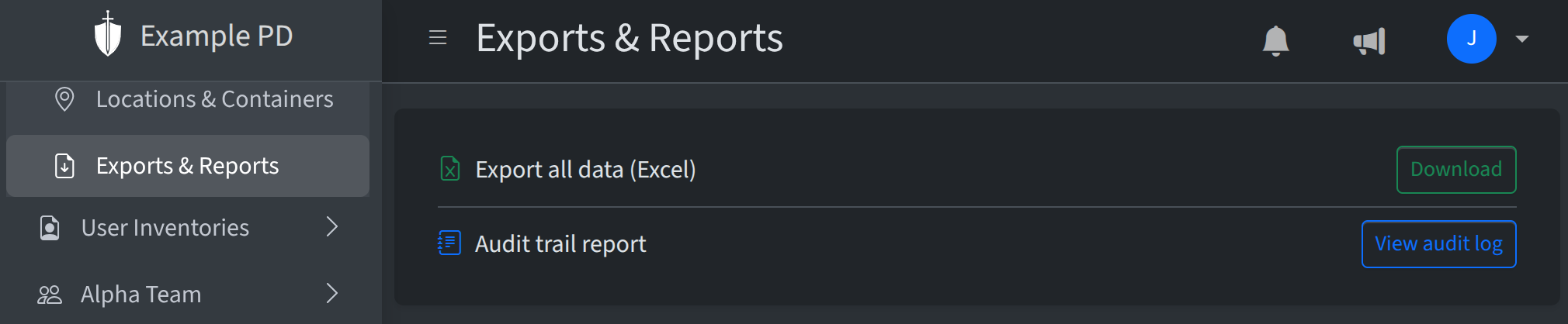
Under Insights → Exports & Reports you’ll find options to export data and open the audit trail. This page is the hub for getting data out of The Armory for reporting, backups, or reviews.
Export all data (Excel)
Admins can download a full snapshot of the account as an Excel file. The export includes a Summary sheet (account info, item type counts, inventory totals), an Item Types sheet, and one sheet per location with that location’s inventory. When your account tracks financial data, unit values are included. Use this for offline reporting, archiving, or sharing with stakeholders who need a point-in-time export.
Audit trail report
The Audit trail report link opens the Audit log, where you can view and filter all inventory and location changes. From the audit log, use Export (next to Apply and Clear) to download the current results as CSV or Excel—including whatever filters and search you’ve set—so you can keep a file for compliance, email a subset to a supervisor, or work with the data in another tool. You can still print the page from your browser if you prefer a paper copy. For column details, filters, and export behavior, see Audit log.